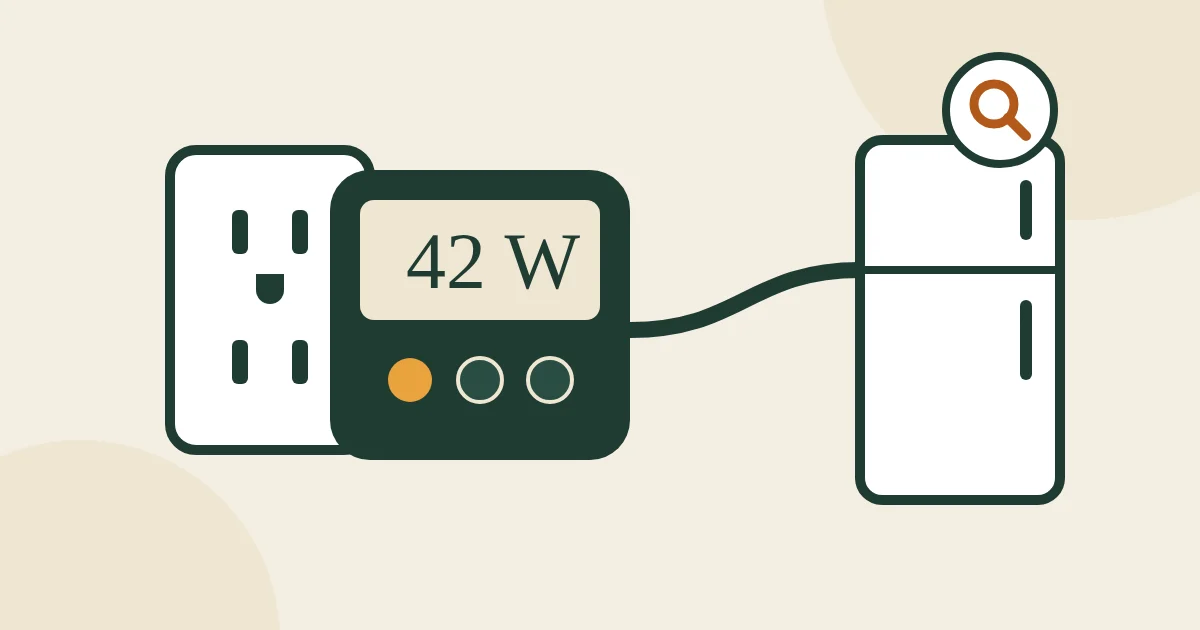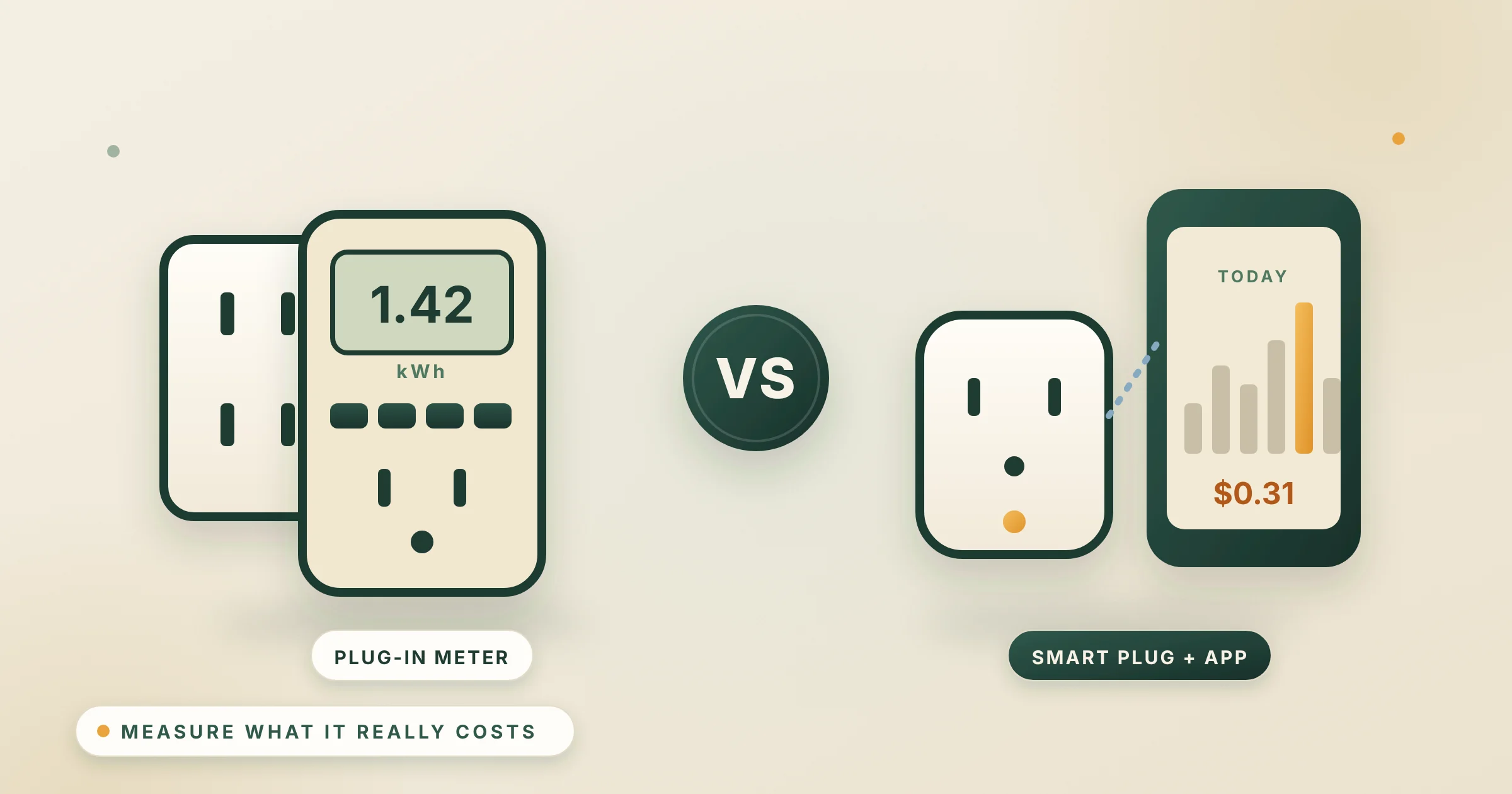
You cannot cut a bill you cannot see. A plug-in energy meter tells you exactly what the fridge, the TV setup, the dehumidifier or the old chest freezer costs to run. The classic is the P3 Kill A Watt P4400, a meter you plug in and read on its screen. The modern alternative is an energy-monitoring smart plug such as the Tapo P115, which sends the readings to an app. Which one you want depends on whether you want a quick audit or ongoing tracking.
Get the Kill A Watt P4400 to audit lots of appliances one after another: no app, no Wi-Fi, readings on the spot, and the maker rates it accurate to 0.2%. Get the Tapo P115 to track one or two devices over weeks, see the cost in an app using your own rate, and then act on it with schedules that switch power-wasters off. Many homes are best served by one of each.
Affiliate note: As an Amazon Associate, The Low Bill Home earns from qualifying purchases. Buying through our links costs you nothing extra. We have not tested these products hands-on: this comparison is based on the makers' published specs, the Amazon listings and their review summaries as of October 18, 2026, and official energy and safety guidance, and we say where each one falls short.
Plug in, read watts and kWh on the screen. No app or account. Rated 0.2% accuracy.
Check price on AmazonWhy we picked it ↓Energy history and cost estimates in an app, plus schedules and away mode. No hub.
Check price on AmazonWhy we picked it ↓Kill A Watt vs Tapo at a glance
| Kill A Watt P4400 | Tapo P115 | |
|---|---|---|
| How you read it | LCD screen on the meter | Tapo app on your phone |
| Measures | Volts, amps, watts, VA, Hz, power factor, kWh, elapsed time | Live power, energy use history, cost estimate at your rate |
| Accuracy (maker) | 0.2% | Not stated |
| Max load | 15 A, 1,875 VA | 15 A, 1,800 W |
| Switching on and off | No | Yes: app, voice, schedules, timers, away mode |
| Needs | Nothing | 2.4 GHz Wi-Fi and the Tapo app (no hub) |
| Works with | — | Alexa, Google Home |
| Pack | 1 meter | 2 plugs (4-pack also sold) |
| Amazon rating (Oct 18, 2026) | 4.6 stars, about 9,800 ratings | 4.5 stars, about 3,400 ratings |
How to use each one
Kill A Watt: the 10-minute audit
- Plug the meter into the wall and the appliance into the meter.
- For something that runs steadily (a TV, a gaming PC, a dehumidifier), read the watts after a minute.
- For something that cycles (a fridge or freezer), leave it for 24 hours, then read the kWh.
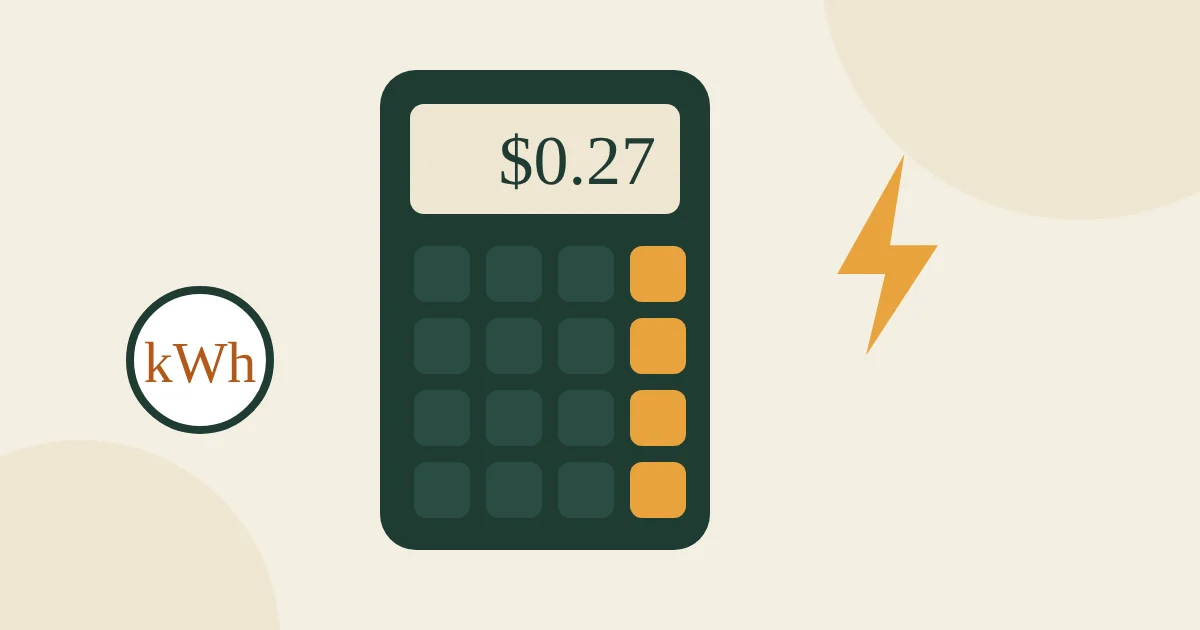
- Multiply kWh by your rate. The P4400 shows energy, not dollars, so use our energy cost calculator or simply multiply: a fridge that uses 1.5 kWh a day costs about 27¢ a day, or about $98.55 a year, at 18¢.
Tapo P115: watch it over time
- Plug it in, add it in the Tapo app on 2.4 GHz Wi-Fi.
- Enter your electricity rate so the app estimates the cost.
- Leave it on the device for a week to see real use, including standby.
- Set a schedule to cut power to things that waste it overnight, such as a TV and soundbar setup or a printer. See phantom power for what typically wastes the most.
What is worth measuring
- Old fridges and second freezers in the garage. Often the single biggest plug-in load in a home.
- Entertainment setups and gaming PCs, including what they draw while “off”.
- Dehumidifiers and aquarium or terrarium equipment that run all day.
- Not space heaters. Their power is on the label (usually 1,500 W high), and heater makers and the CPSC say to plug heaters straight into a wall outlet. The same goes for anything that cannot be plugged in: furnaces, central AC and water heaters need a whole-home monitor. See best electricity usage monitors.
What owners report
Amazon’s review summary calls the Kill A Watt a handy, easy-to-use gadget that helps owners save money; the main complaint is durability, with some meters dying early. For the Tapo P115, owners say it works reliably, is easy to set up and like the energy monitoring; connectivity is mixed, with some reporting trouble pairing with their phone (it only works on 2.4 GHz Wi-Fi).
The two in detail
P3 Kill A Watt P4400
The meter energy auditors and libraries lend out. It shows volts, amps, watts, volt-amps, frequency and power factor, plus kilowatt-hours and elapsed time since you plugged it in, and the maker rates it accurate to 0.2%. There is no app, account or Wi-Fi, so you can carry it from room to room and test ten appliances in an afternoon.
- Watts, kWh, volts, amps, VA, Hz, power factor, elapsed time
- Accuracy 0.2% (maker)
- 15 A / 1,875 VA maximum
- No app or Wi-Fi needed
Good: instant readings, accurate, private, nothing to set up.
Watch out: shows kWh, not dollars, so you do one multiplication; the screen is on the outlet, which can be awkward behind furniture.
Skip it if: you want to keep tracking a device for weeks or switch it on a schedule: get the Tapo.
Tapo P115 Energy-Monitoring Smart Plug (2-pack)
A compact smart plug that does not block the second outlet, with live power readings, energy history and cost estimates at the rate you enter. Because it is also a switch, you can act on what you learn: schedules, countdown timers, an away mode that turns lamps on and off, and Alexa or Google voice control. It needs no hub and keeps working locally if the internet goes down.
- Live power, energy history, cost estimates
- Schedules, timers, away mode, voice control
- 15 A / 1,800 W maximum
- 2.4 GHz Wi-Fi only; no hub needed
Good: tracks over time, switches power-wasters off automatically, two plugs in the box.
Watch out: needs an app and Wi-Fi; accuracy is not published; not for space heaters.
Skip it if: you just want a one-off reading without installing an app: get the Kill A Watt.
Which one should you buy?
- Kill A Watt if you want to find the energy hogs in an afternoon and do not want another app.
- Tapo P115 if you want to keep an eye on one or two devices and automate turning them off.
- Both if you are serious about cutting the bill: audit with the Kill A Watt, then put the Tapo plugs on the two worst offenders.
FAQ
Is a Kill A Watt more accurate than a smart plug?
The maker rates the Kill A Watt P4400 at 0.2% accuracy; Tapo does not publish an accuracy figure for the P115. For finding which appliances cost the most, both are accurate enough.
Does the Kill A Watt show cost in dollars?
The P4400 shows kilowatt-hours; multiply by your rate (or use our energy cost calculator). The step-up Kill A Watt EZ (P4460) adds a cost readout.
Can I measure a space heater with either one?
You do not need to: a space heater’s wattage is on its label, and heater makers say to plug heaters directly into a wall outlet, not through adapters or smart plugs.
Does the Tapo P115 need a hub?
No. It connects to 2.4 GHz Wi-Fi and is set up in the Tapo app. It works with Alexa and Google Home.
Sources
- P3 Kill A Watt P4400 specifications
- TP-Link: Tapo P115 product page
- U.S. EIA: Short-Term Energy Outlook, electricity prices
- U.S. EIA: Average residential electricity price by state

Email me at hello@thelowbillhome.com. I read every message, and when a rate, a rule or a product changes, I update the guide. — Eugene
Affiliate Disclosure: The Low Bill Home is a participant in the Amazon Services LLC Associates Program. As an Amazon Associate we earn from qualifying purchases, at no extra cost to you. Product details and availability change, so check the listing before you buy.