Phantom power calculator
Devices you could switch off (everything except the modem and router) cost about – a year.
The default watts are average idle draws per device from NRDC’s audits of 10 California homes (2015), not a measurement of yours. Every watt drawn around the clock uses 8.76 kWh a year. The rate starts at 18¢, close to EIA’s 2026 U.S. average; change it to the rate on your bill.
Affiliate note: As an Amazon Associate, The Low Bill Home earns from qualifying purchases. Buying through our links costs you nothing extra. We have not tested every product hands-on: picks are based on the makers' published specs, official energy-saving guidance and long-term buyer feedback, and we say where a product falls short.
How to use it
- Set how many of each device you have. Set a row to 0 if you do not have it.
- Replace the watts with your own readings if you can. Plug the device into an electricity usage monitor, switch it off as you normally would and read the watts.
- Enter your rate: divide the total on your electric bill by the kWh used that month.
Where the default numbers come from
NRDC measured the always-on power of individual devices in 10 homes around San Francisco and reported the average idle draw for each type: set-top boxes about 16 W, TVs 13 W, modems 11 W, desktop computers 9.5 W, audio and video devices 7.5 W, laptops 7.1 W, printers 6.3 W and wireless routers 5.5 W (NRDC, Home Idle Load, 2015). The same report measured an Xbox One with “instant on” at 12 W and found a TV’s quick-start setting drawing up to 37 W around the clock.
NRDC says the sample is not statistically representative, and newer devices are often more efficient. Treat the defaults as a starting point and measure the big ones.
For scale: across its larger sample, NRDC found the average home’s always-on load was about 164 W, nearly 23% of household electricity use. That figure includes things this calculator leaves out, such as hot water recirculation pumps, security systems and lights left on.
What one watt costs
| Always-on draw | kWh per year | Cost per year at 18¢ |
|---|---|---|
| 1 watt | 8.8 | $1.58 |
| 10 watts | 87.6 | $15.77 |
| 25 watts | 219 | $39.42 |
| 50 watts | 438 | $78.84 |
| 100 watts | 876 | $157.68 |
Measure the big ones
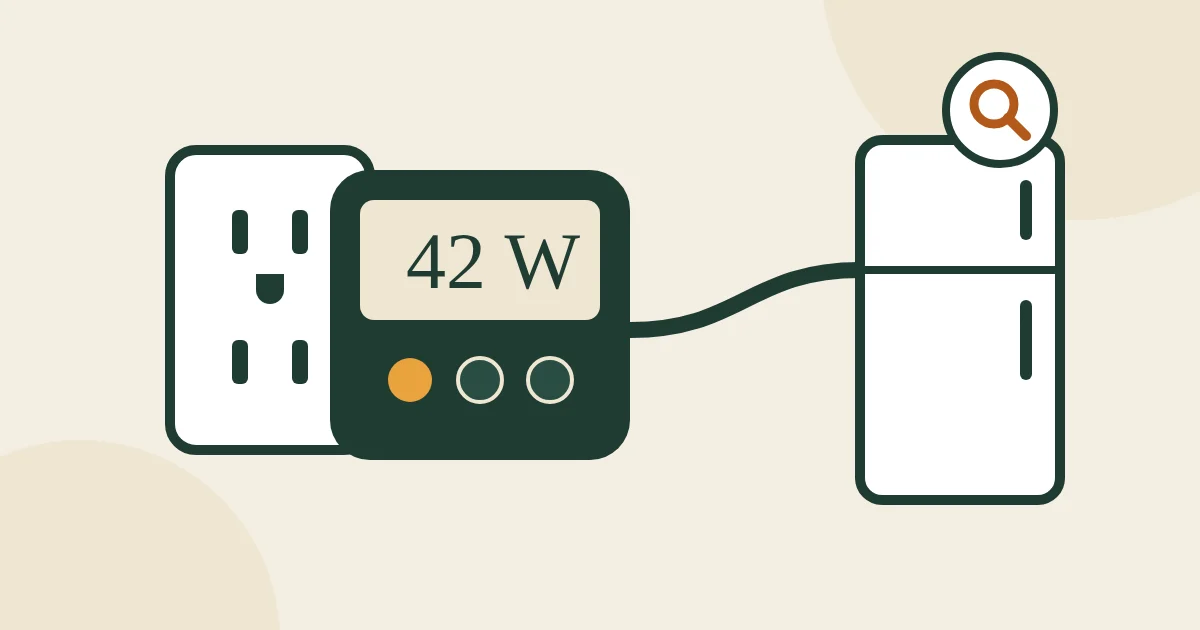
A plug-in meter shows what a device really draws when it is “off”. The P3 Kill A Watt EZ P4460 also shows the cost per week, month and year once you enter your rate; its screen is not backlit, which makes readings behind a TV stand awkward.
To switch an entertainment center off on a schedule, an energy-monitoring smart plug like the Tapo P115 (2-pack) logs usage in an app and can cut power overnight. It needs an account and 2.4 GHz Wi-Fi, and it is not for space heaters. We compare more meters in the best electricity usage monitors.
How to cut it
- Change settings first: turn off TV quick-start and switch consoles from instant-on to energy-saving mode.
- Switch groups off together with a switched power strip or a scheduled smart plug. Keep a recording DVR, the modem and the router on a separate outlet.
- Unplug what you rarely use: the guest-room TV, the spare printer, the old stereo.
More detail, and what to leave alone, in our guide to phantom power.
FAQ
How much does phantom power cost a year?
Every watt a device draws around the clock costs about $1.58 a year at 18 cents per kWh. A typical entertainment center, laptop charger, printer and network gear can add up to 70–80 W, or roughly $110–$125 a year. NRDC found the average home’s total always-on load was about 164 W.
Which devices use the most standby power?
Cable and satellite boxes, TVs with quick-start, game consoles in instant-on mode, desktop computers and audio equipment are usually the biggest. Phone chargers with nothing attached usually draw well under a watt.
Is it worth unplugging things to save electricity?
For the big always-on devices, yes: changing settings or using a switched power strip captures most of the saving with no effort. Unplugging small chargers saves very little.

Email me at hello@thelowbillhome.com. I read every message, and when a rate, a rule or a product changes, I update the guide. — Eugene
Affiliate Disclosure: The Low Bill Home is a participant in the Amazon Services LLC Associates Program. As an Amazon Associate we earn from qualifying purchases, at no extra cost to you. Product details and availability change, so check the listing before you buy.